Overview
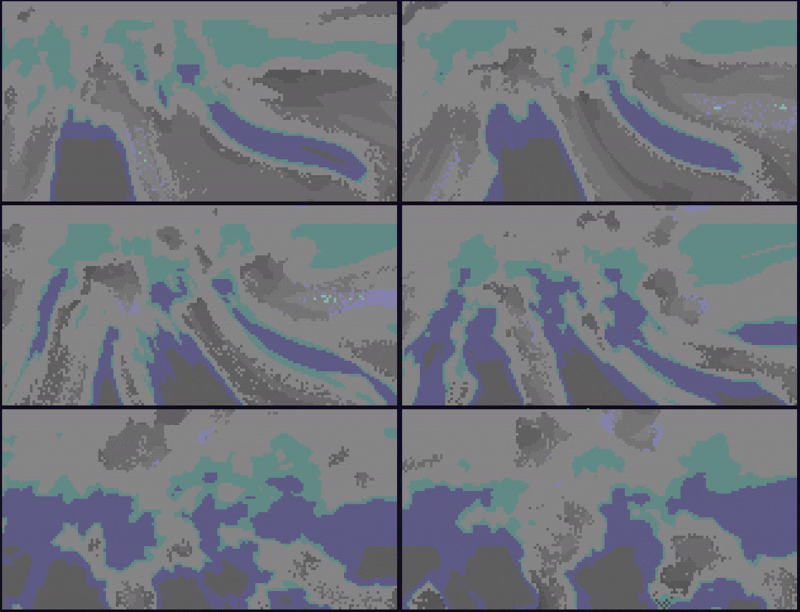
ruclouds is a terminal-based cloud rendering application that creates animated, drifting clouds in real-time using ANSI truecolor and a half-block sub-pixel trick. Built with Rust, it works cross-platform on Windows (PowerShell, pwsh, cmd.exe) and Unix (bash, Kitty, Alacritty, and other modern terminals).
What It Does
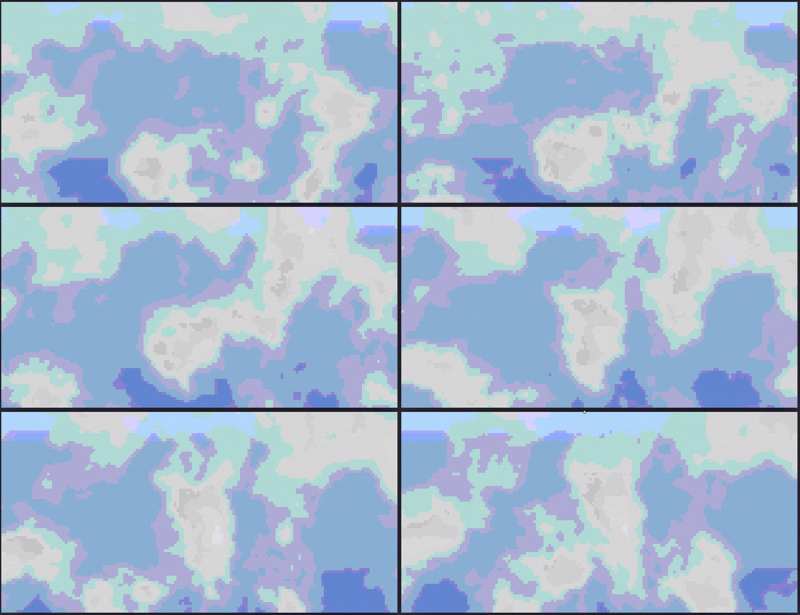
ruclouds renders continuously animated clouds drifting across a sky gradient in your terminal. The simulation uses noise-field techniques (Perlin noise with fractal Brownian motion) to generate realistic cloud patterns that evolve smoothly over time. The application adapts to terminal resizing in real-time without stretching or cropping.
Inspiration
This project was inspired by lavat, a lava lamp simulation in the terminal. While lavat uses metaball-based simulation, ruclouds takes a different approach using noise-field cloud simulation to achieve wispy, organic cloud shapes.
Screenshots
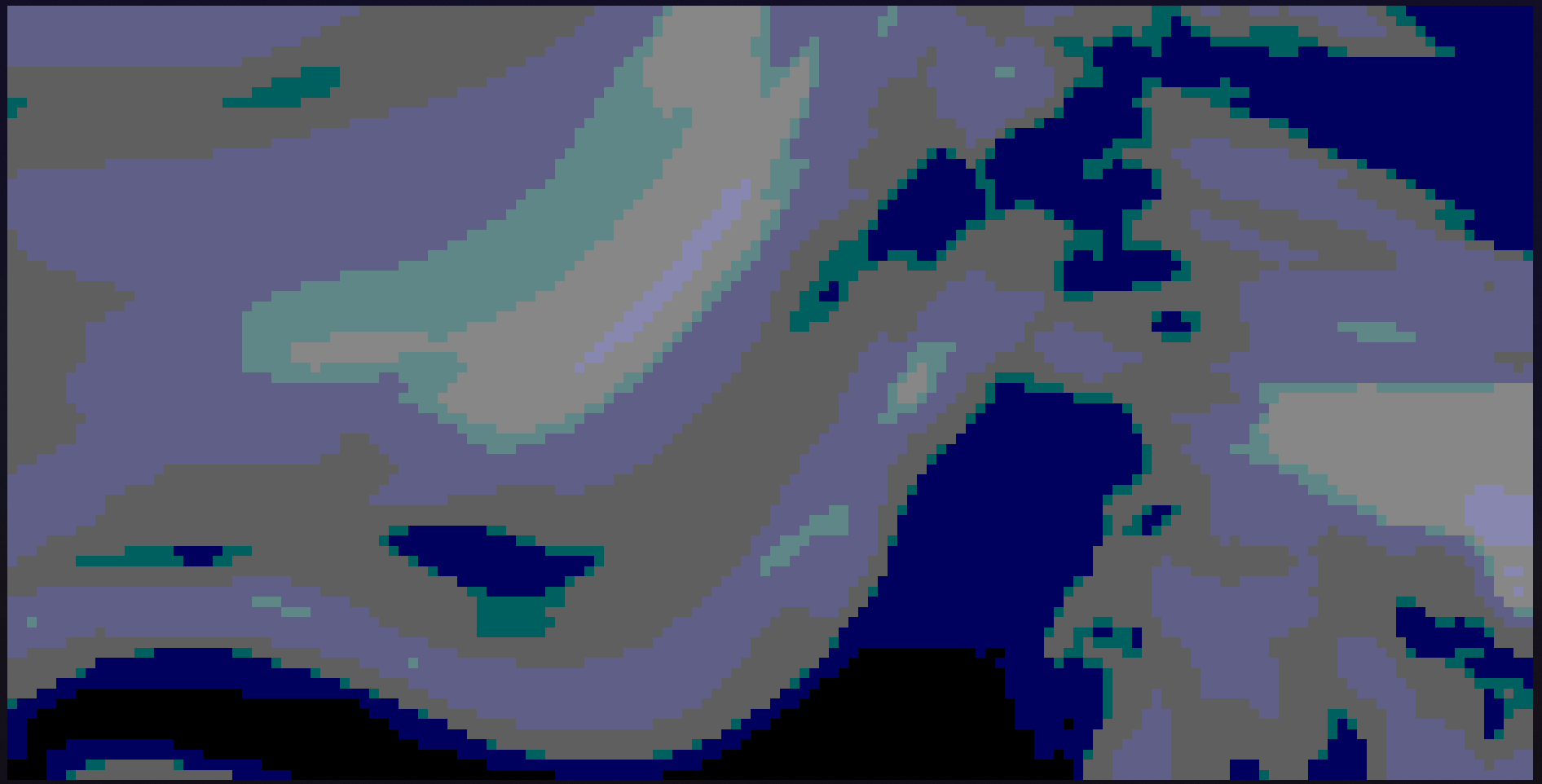
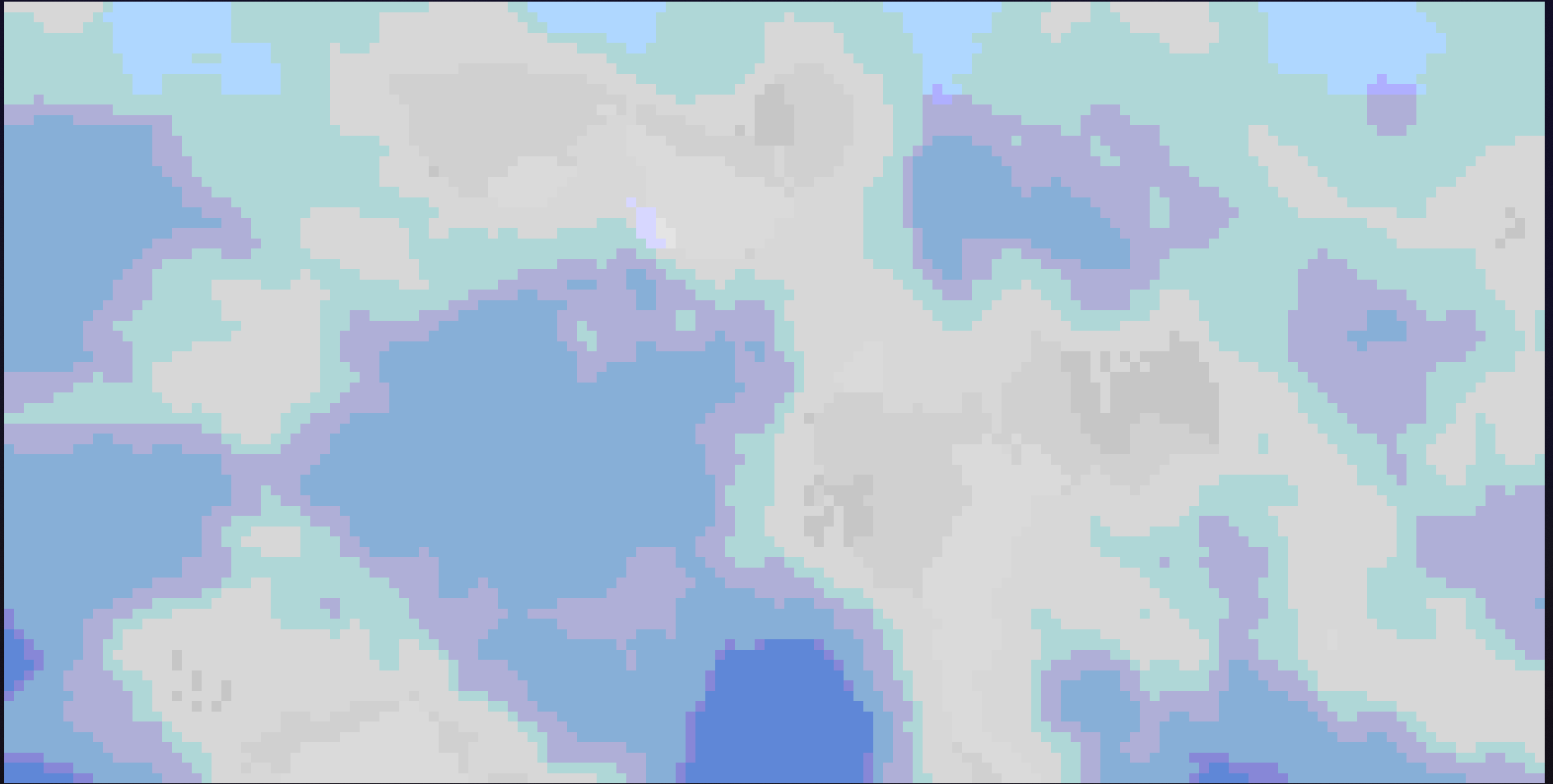
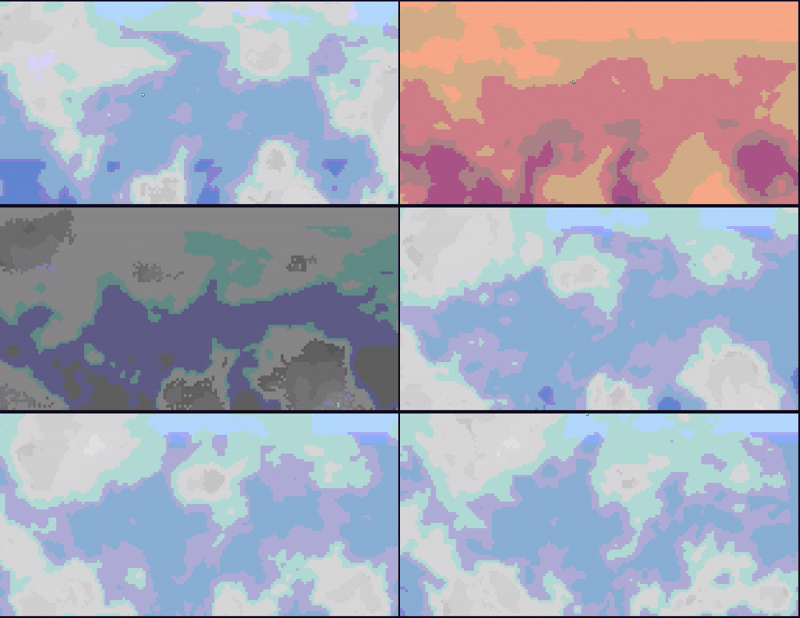
Colour Palettes live in action
Key Features
- Real-time animation: Clouds drift and evolve smoothly using 3D noise sampling with time as the third dimension
- Cross-platform: Works on Windows and Unix with identical behavior
- Resize-adaptive: Terminal resizing re-samples the simulation at new resolution without artifacts
- Customizable: CLI flags at launch and live keybindings during runtime
- Multiple color modes: Auto-detects terminal color capability (truecolor, 256-color, 16-color)
- Built-in palettes: Four pre-configured color schemes (white-grey, sunset, midnight, storm)
- Custom palettes: Support for custom hex color pairs
- Clean exit: Terminal state is always restored, even on panic or Ctrl+C
How It Works
The rendering uses a half-block technique where each terminal cell represents two vertical sub-pixels using the ▀ (upper half block) character. The foreground color represents the top sub-pixel and the background color represents the bottom, effectively doubling the vertical resolution.
The cloud simulation runs a 5-stage pipeline per sub-pixel every frame:
- Wind offset: Accumulated drift along the configured angle
- Domain warp: A second Perlin noise bends the coordinate space for wispy shapes
- Fractal Brownian motion: 4-octave fBm sampled in 3D (x, y, time) for smooth animation
- Density threshold: Hermite smoothstep produces cloud opacity
- Shading: Offset fBm sample simulates puffy depth and shadow
This pipeline is a pure function of (x, y, time, wind_offset, config) - it never depends on grid dimensions, which is what makes terminal resizing seamless.
Performance
The application uses a double-buffer diff system where only cells that changed since the last frame emit ANSI writes, minimizing terminal I/O. This is especially important on slower Windows console paths.
Domain Warping